Start with Goodbudget if you want spending limits you can see, EveryDollar if you want a monthly plan, or YNAB if you qualify for its free college year. For automatic subscription tracking, Rocket Money is a more useful starting point. The right choice depends on how you receive money and whether you will actually keep the app updated.
These nine budgeting apps for college students include eight ongoing free options and one time-limited student offer. Below, you will find what each free version covers, the limitation that matters, and a practical way to use it for campus life.
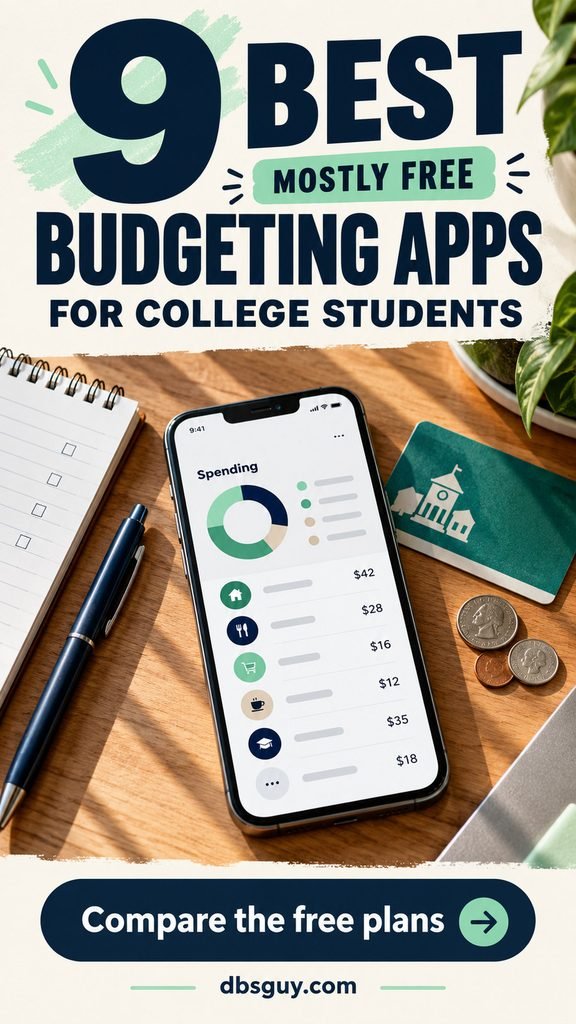
The visuals are AI-generated budgeting concepts. Phone and computer displays are illustrative, not screenshots of the apps or evidence of hands-on testing.
Which budgeting app should you try first?
- Goodbudget: category-by-category envelope budgeting; the free plan limits accounts and envelopes.
- EveryDollar: a complete monthly allocation plan; free users enter transactions manually.
- YNAB: planning with money already available; eligible college students get one free year.
- Rocket Money: spotting subscriptions and recurring charges; cancellation assistance and advanced tools cost extra.
- Empower Personal Dashboard: a free overview of connected financial accounts; broader than a simple weekly spending planner.
- Wallet by BudgetBakers: recording cash and card spending manually; bank syncing requires Premium.
- Spendee: visual tracking for one spending pot; Basic includes one cash wallet and one budget.
- Money Manager by Realbyte: detailed transaction records and category budgets; the free version has ads and feature limits.
- Spending Tracker by MH Riley: a simple weekly or monthly spending ceiling; optional upgrades vary by platform.
These are editorial picks based on official product information and student use cases, rather than a hands-on test ranking. Free-plan features, prices, and store availability can change. Check the plan screen on your device before starting a trial or paying. Search your official app store using the exact app and developer names; several unrelated apps have similar names.
1. Goodbudget: Best for visible spending boundaries
A checking-account balance can look comfortable even when most of it belongs to next month’s rent. Goodbudget’s envelope approach helps you separate money by purpose before you spend it. It suits students who want a clear answer to “Can I afford another takeout order?”

Free plan: 10 regular envelopes, 10 additional envelopes for annual expenses or goals, one account, two devices, and one year of transaction history. Automatic bank syncing is a Premium feature.
Begin with categories you regularly have to choose between: groceries, transportation, eating out, laundry, and entertainment. Keep textbooks or a trip home in a separate goal envelope so those costs do not disappear into everyday spending. The three envelopes in the image illustrate the idea; you can choose categories that fit your actual bills.
The tradeoff: the one-account limit becomes restrictive if you want separate records for checking, savings, and a credit card. Envelopes are planning categories, not separate bank accounts, and they do not move money at your bank. Choose Goodbudget when category limits matter more than automatic transaction imports.
2. EveryDollar: Best for a free monthly allocation plan
EveryDollar is useful when you know roughly what is coming in each month but have never decided where all of it should go. Its zero-based approach gives every planned dollar a purpose, including savings and future bills.
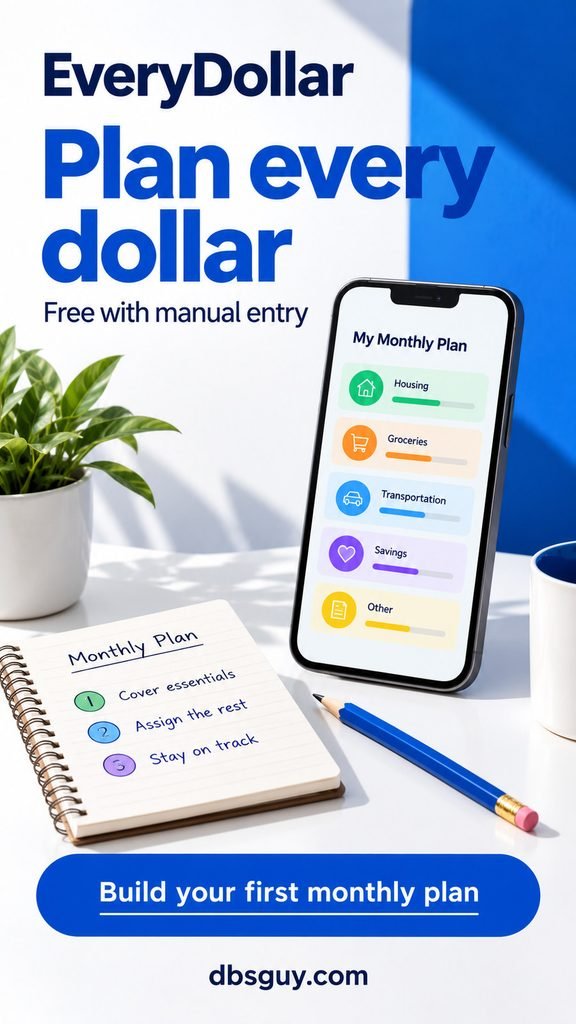
Free plan: build your budget and enter transactions manually. Connecting a bank for automatic imports requires EveryDollar Premium; a Premium trial is separate from the ongoing free version.
List your expected take-home income, then assign amounts to housing, food, transportation, school costs, savings, and flexible spending. If $100 remains unassigned, give that $100 a job rather than treating it as a bonus. A plan that reaches zero means you have allocated the money; it does not mean your bank account should be empty.
For a campus job with changing hours, use a conservative income estimate and revise it as pay arrives. A monthly forecast is not permission to spend wages you have not received.
The tradeoff: you must keep up with manual entries. If you routinely forget a week’s purchases, schedule a short daily check or choose an app with free connected-account tracking instead.
3. YNAB: Best student offer for planning semester money
YNAB makes particular sense when money arrives in uneven chunks: summer earnings, family support, or a payment that has to last beyond this month. Its approach asks what the money you already have needs to cover before more arrives.
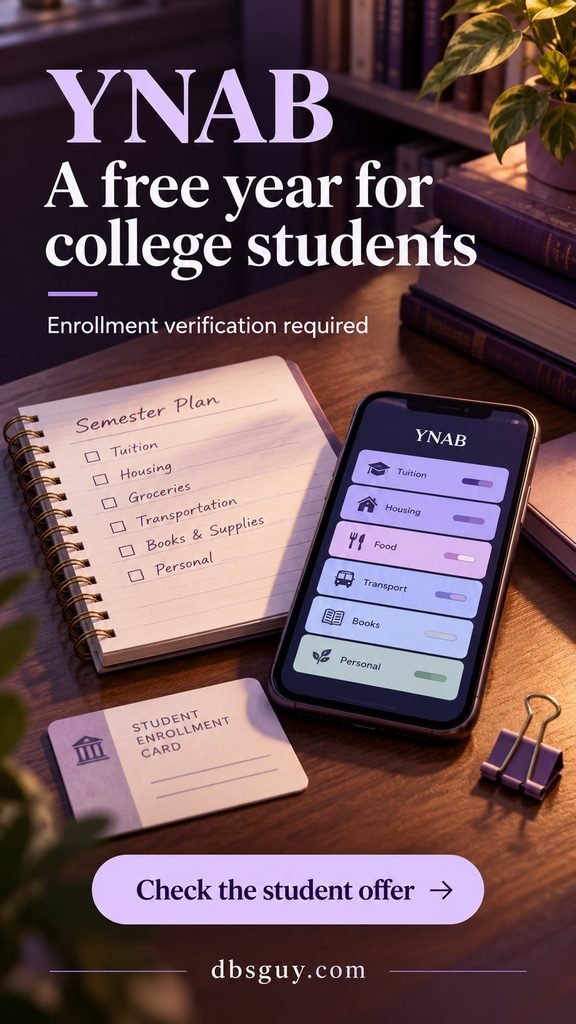
Student offer: eligible college students can receive one free year after enrollment verification. This is a one-time offer, not a new free year every academic year. YNAB says part-time, graduate, and international college students can qualify too.
Use the official YNAB college offer and have current proof of enrollment ready. Examples include a student ID, transcript, or tuition statement showing the required student and school details. The program is handled through YNAB; existing app-store subscribers should follow its instructions before changing subscriptions.
Create categories for bills due soon, weekly essentials, and later semester costs. Allocate money that has actually arrived. A promised payment or pending refund belongs in your planning notes until it is available to use.
The tradeoff: there is a learning curve and an eventual subscription decision. Standard U.S. pricing is $109 annually or $14.99 monthly, plus applicable tax, when checked for this guide. Set a reminder before your student year ends and decide whether the paid plan earns its place in your budget.
4. Rocket Money: Best for finding recurring charges
Rocket Money fits a different problem: you use your card for almost everything and want to see which recurring charges keep coming back. A music plan, cloud storage, and a video subscription can be easy to overlook when each charge appears on a different day.
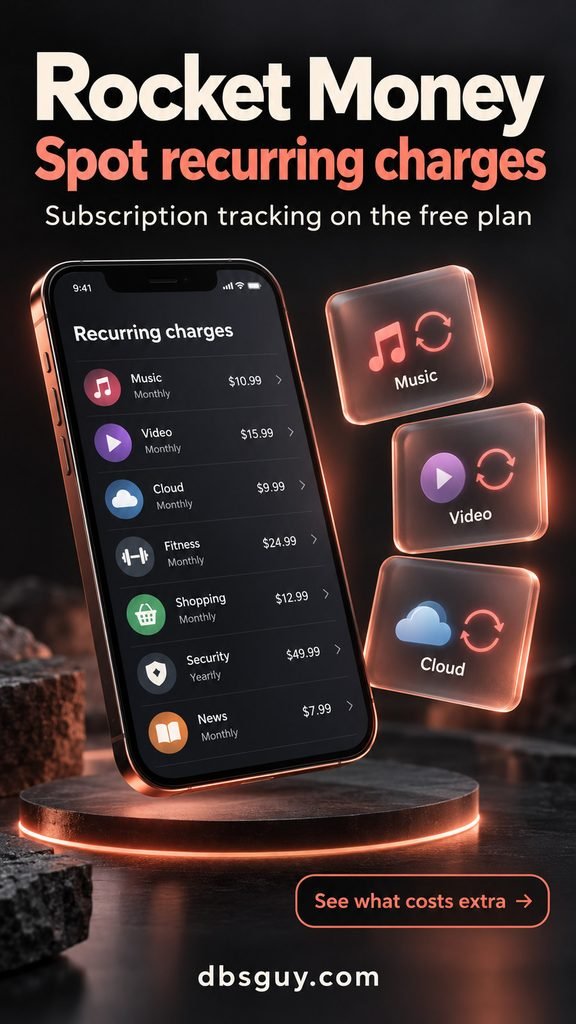
Free plan: subscription tracking, spending tracking, bill reminders, and basic budgeting. Connect supported financial accounts to bring those transactions together. More advanced transaction tools, customization, and subscription cancellation assistance belong to paid plans.
Review every recurring item and decide whether you still use it, qualify for a student plan, or should cancel through the provider. Tracking a subscription is different from having Rocket Money cancel it for you.
The tradeoff: free budgeting has category limits. Check the allowance shown in your app before relying on it for a detailed category budget. Bill negotiation is also a separate service with a fee based on savings; it is not included simply because you use the free tracker.
Keep your bank’s own alerts turned on. An imported transaction list may not reflect every pending purchase immediately.
5. Empower Personal Dashboard: Best for an account overview
Empower Personal Dashboard is worth considering if your money is already spread across several places. A checking account, savings account, card, and an account from a previous job can be hard to review separately. The dashboard brings connected accounts into a broader financial picture.
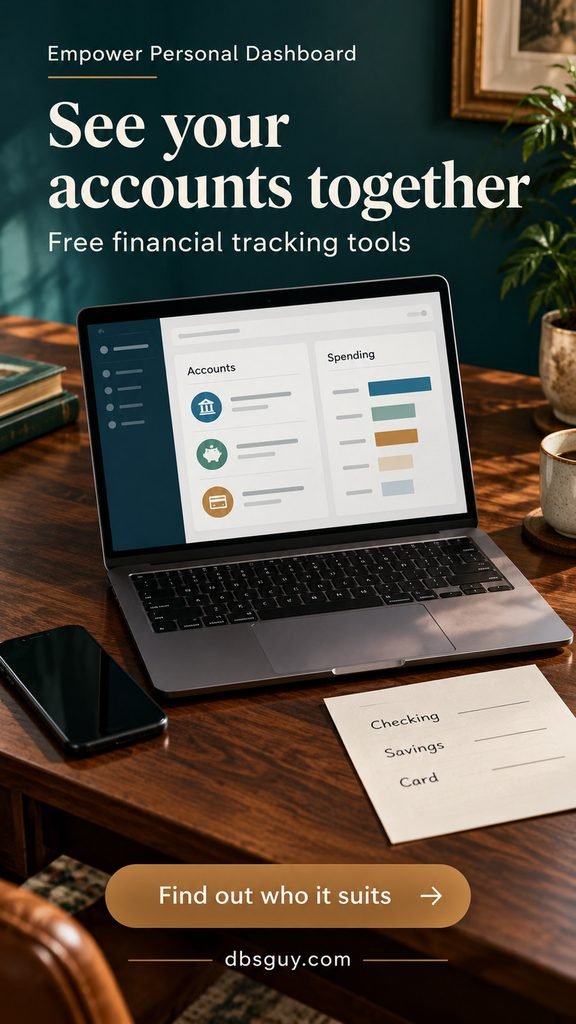
Free tools: connected-account tracking, spending information, budgeting, and other financial planning tools. The free dashboard is separate from Empower’s paid advisory services.
For college budgeting, begin with cash flow: what came in, what went out, and which expense categories need attention. Check imported categories, especially transfers between your own accounts, so moving money to savings does not distort your understanding of spending.
The tradeoff: an account overview answers a different question from a detailed envelope plan. It can show where your money went without giving you the firm “this is what remains for groceries” boundary you want. The investment and retirement features may also add little value if you are managing one checking account and a small weekly allowance.
Choose it for visibility across accounts. Choose a more focused planner if your immediate need is controlling one small spending budget.
6. Wallet by BudgetBakers: Best for manual cash-and-card tracking
Wallet by BudgetBakers is a useful middle ground when you want an organized transaction record but prefer entering expenses yourself. That can suit students who mix card purchases with cash from tips, occasional work, or a weekly allowance.
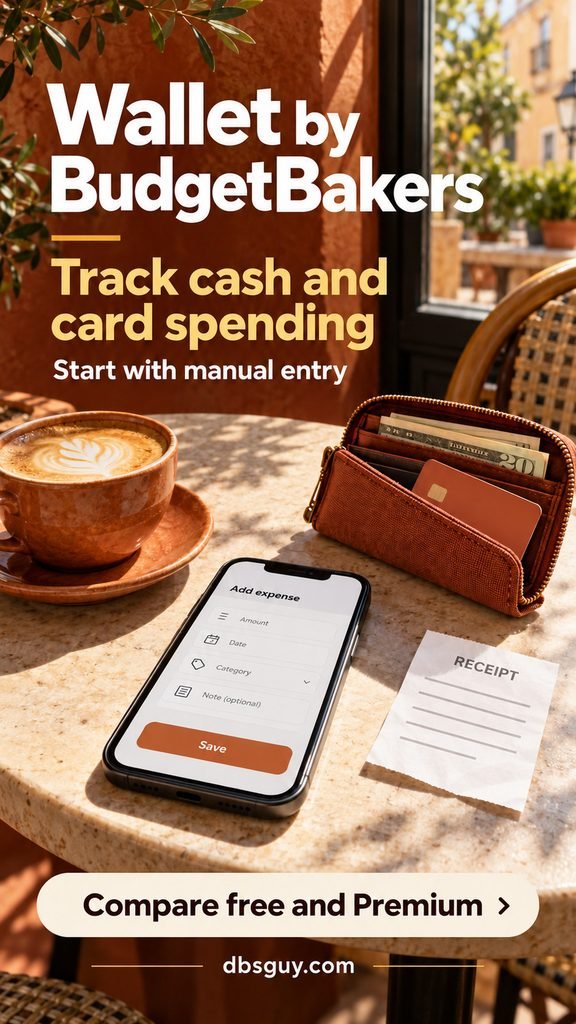
Free option: Wallet offers free personal-finance tracking and manual entry. Bank account syncing is a Premium feature. Its developer notes that features differ across Android, iOS, and the web, so inspect the version you will actually use.
Start with a manual record that reflects your real spending source. Enter the opening balance, then log the amount, category, and account whenever you spend. Where your free version permits additional accounts, keep cash separate from checking so you can tell which balance is available.
Do not record withdrawing $40 as both a $40 purchase and $40 of new income. It is a transfer from checking into cash. The expense happens when you use that cash to buy something.
The tradeoff: do not assume a feature shown in a Wallet advertisement is included free on every device. Confirm the account allowance and any budgeting tools you need before entering a semester’s worth of records. Try the free workflow before accepting a paid Premium trial.
7. Spendee: Best for one visual spending pot
Spendee Basic is a sensible option when your essentials are handled elsewhere and you mainly need to manage one flexible spending allowance. Think coffee, meals outside your plan, weekend activities, and small purchases.
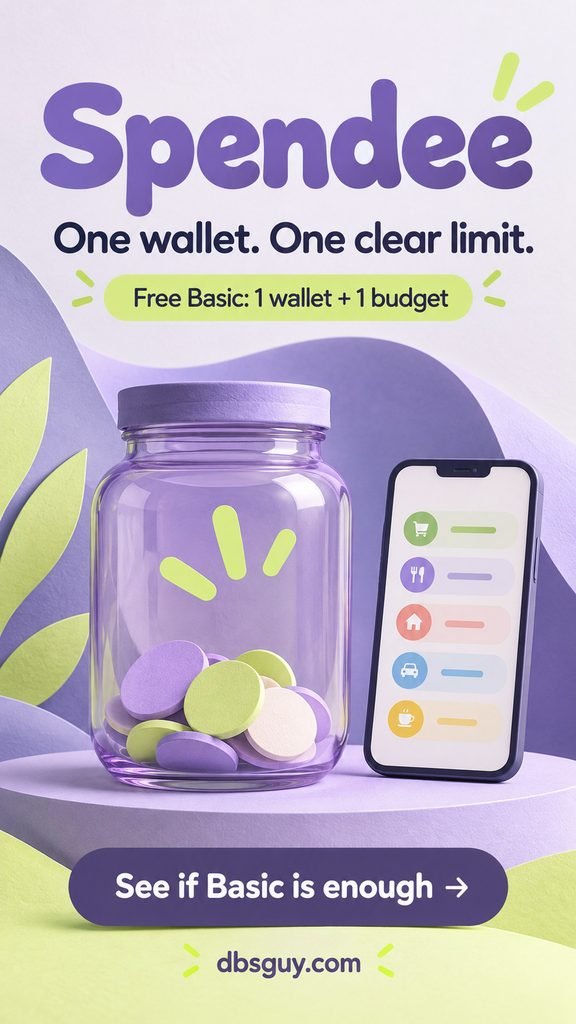
Free Basic plan: one cash wallet and one budget, with an overview of your spending and backup/sync. Bank connections and expanded wallet or budget allowances require a paid plan.
Use the single wallet as a manual record of the spending pot you are watching. Give transactions meaningful categories so you can distinguish eating out from transportation. Then set the budget for that pot rather than trying to squeeze multiple independent budgets into the free allowance.
For example, if you have $120 available for optional spending this month, track those purchases here while keeping rent and tuition in your main bill plan. Substitute the amount you can actually afford; the example is not a target you need to match.
The tradeoff: one budget is a real restriction if you want separate limits for groceries, entertainment, and travel. Spendee’s “cash wallet” is an app record; it does not open a bank account or hold your funds.
8. Money Manager by Realbyte: Best for detailed expense records
Money Manager Expense & Budget by Realbyte suits students who want to understand purchases in detail. You record transactions against accounts and categories, then review budgets and spending reports. It is a stronger fit for an orderly record keeper than someone who wants the fewest possible fields.
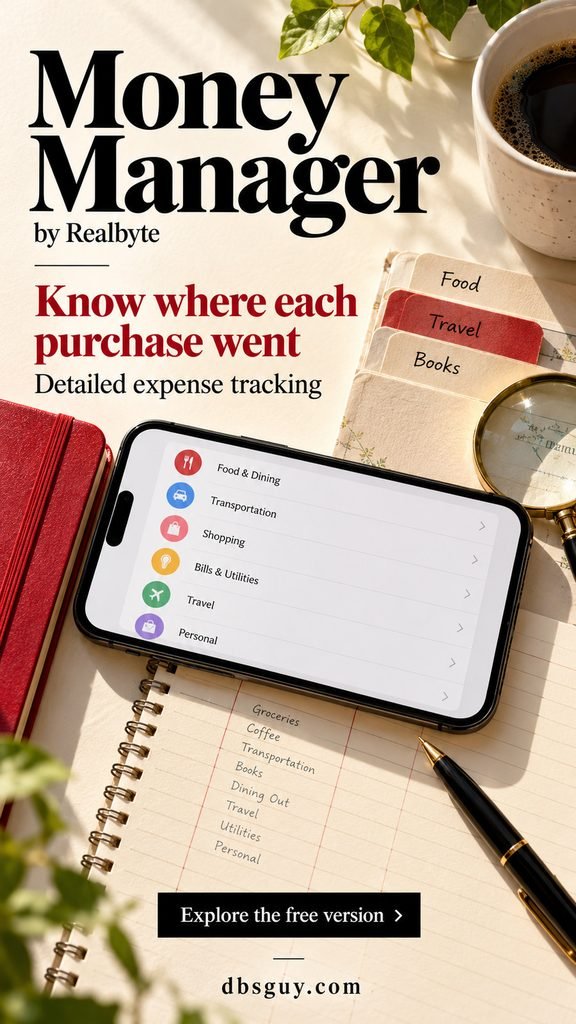
Free version: transaction recording, spending analysis, and budget features, with ads and limits. The Android listing specifies a 15-asset limit for its free version; platform features and upgrade arrangements can differ, so check your own store listing.
Start with the accounts you actually use and a short category list. Split “food” into groceries and eating out only if that distinction will change a decision. After a week, review the transactions behind a category total rather than assuming every small purchase was necessary.
Be careful with card payments: the original purchase is the expense. Paying the card from checking is a movement between accounts, not a second purchase. Use the app’s appropriate account and transfer workflow so the same spending is not counted twice.
The tradeoff: detailed records take attention. If you stop entering transactions because the system feels too involved, simplify the categories or try Spending Tracker instead.
9. Spending Tracker by MH Riley: Best for a simple weekly limit
Spending Tracker is the straightforward choice when your main question is “How much of this week’s allowance is left?” It offers manual income and expense entry, category reports, and a Budget Mode with a fixed spending limit.
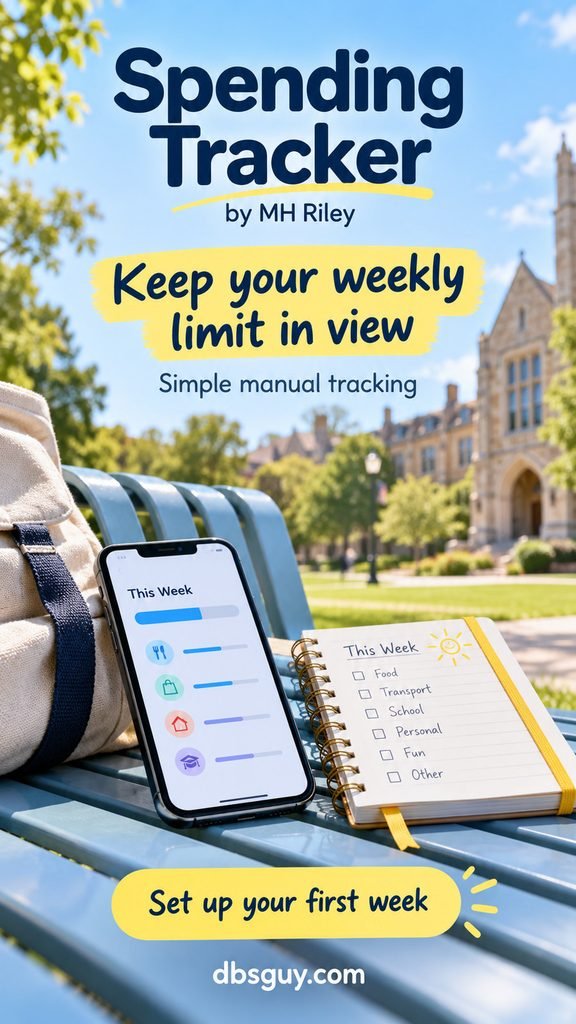
Free option: core tracking and Budget Mode, supported by ads and optional upgrades. Paid extras differ by platform. For example, its iOS listing places recurring transactions and exports behind the Pro upgrade.
Choose a weekly period if that matches how you receive or release money. Set a limit you can fund, enter each purchase, and check the summary before making the next optional purchase. Categories can stay broad: food, transport, personal, and fun may be enough to begin.
The tradeoff: a weekly total does not automatically protect money needed for a bill several weeks away. Reserve rent, books, and other known costs first. Then give this app the amount you can actually spend during the week.
Pick it when simplicity will keep you consistent. A detailed semester plan can stay in your calendar or main budget while this app handles the daily spending check.
Set up your college budget before adding more features
A useful app needs a realistic amount to work with. Begin with money available now, upcoming payment dates, and the costs that must be covered before your next reliable income arrives.
- Separate available money from expected money. Do not count pending aid, an unreceived paycheck, or a roommate’s promised repayment as cash you can spend today.
- Reserve known costs. Include housing, transportation, school materials, bills, and any other commitments that apply to you. Check whether meals or housing are already paid so you do not budget for them twice.
- Set aside an appropriate buffer. Decide what you can preserve for an unexpected need before calculating optional spending.
- Turn the remainder into a usable limit. Match the time period to when more dependable money will arrive.
- Review once a week. Check balances, missing purchases, bills due next, and one category you need to adjust.
Illustrative example: after reserving bills, school costs, and your chosen buffer, you have $1,800 for the next 12 weeks. That gives you $150 per week for the remaining expenses: $1,800 ÷ 12 = $150. This is a calculation example, not a suggested student living allowance. If food and commuting alone exceed it, the plan needs a change before entertainment gets an allocation.
If food is the category you need to adjust, start with a few meals you can realistically make. These easy microwave recipes for dorm rooms can help you plan groceries around the equipment you have.
Put the weekly review beside something already on your schedule. Our freshman year survival guide connects budgeting with the class, work, and everyday routines you will need to keep it going.
Questions students ask before choosing an app
Which of these apps can I keep using for free?
Goodbudget, EveryDollar, Rocket Money, Empower Personal Dashboard, Wallet, Spendee, Money Manager, and Spending Tracker offer an ongoing free option, with the limits described above. YNAB’s college offer lasts one year. A paid-tier trial is not the same as a free basic plan; check what happens when the trial ends.
Can I budget without connecting my bank account?
Yes. Manual entry is central to several choices here, including free Goodbudget and EveryDollar, Spendee Basic, Money Manager, and Spending Tracker. It avoids granting bank-connection access, but you still need to check an app’s privacy policy, permissions, and backup options. Manual entry works only when you record your purchases.
Will an app stop me from overdrawing my account?
Do not rely on it to do that. Pending transactions, delayed imports, scheduled payments, and missing manual entries can make an app’s picture incomplete. Check your bank’s available balance and upcoming obligations, and use its low-balance alerts alongside your budget.
What if a roommate pays me back for groceries?
Keep the shared purchase and reimbursement connected in your records. For a personal spending budget, one practical approach is to reduce the original expense category when the repayment arrives, using the app’s supported reimbursement workflow. Avoid treating the repayment as new wages and inflating what you think you earn. Until it arrives, your account still has to cover the purchase.
Choose one app and give it a manageable job
If you want category boundaries, begin with Goodbudget. If you want a monthly allocation plan, try free EveryDollar. If you qualify for YNAB’s student offer and want to plan money across the semester, use the free year deliberately and review the cost before it ends.
Start with your next spending period, a few useful categories, and a weekly check. Add more detail when it answers a question you actually have.