For a balanced gaming room, start with a dim light behind the screen, add one decorative accent, and keep a separate lamp for the desk. Hide LED emitters from your seated view and check every light for reflections before you mount it. That order gives you a useful setup even if you never buy glow panels.
The goal is a room with atmosphere and a clear screen. “No-glare” depends on your monitor finish, window position, and viewing angle, so treat it as something to check in your own chair rather than a promise on a lighting box.
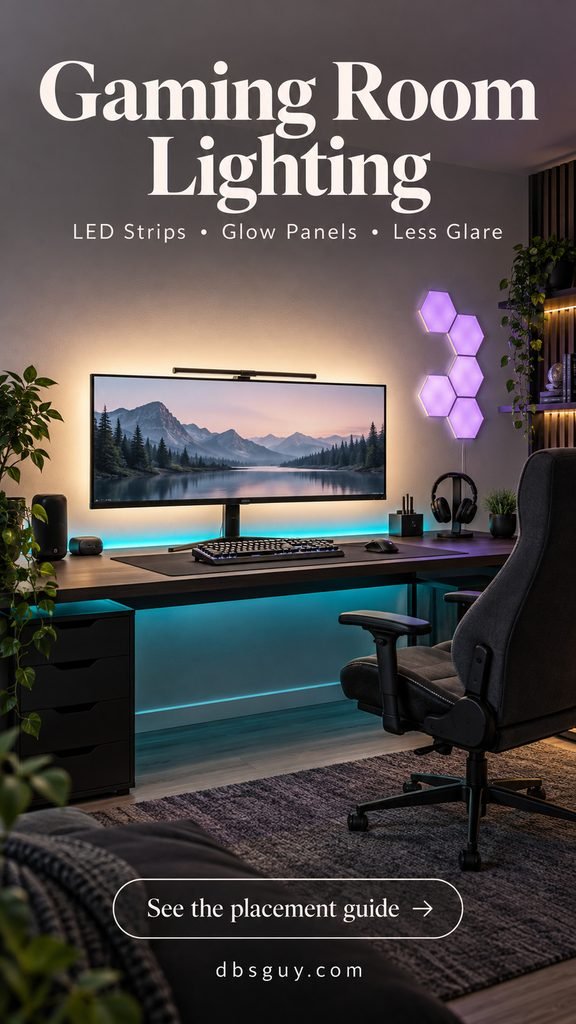
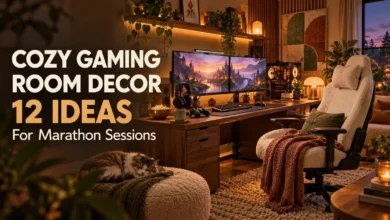
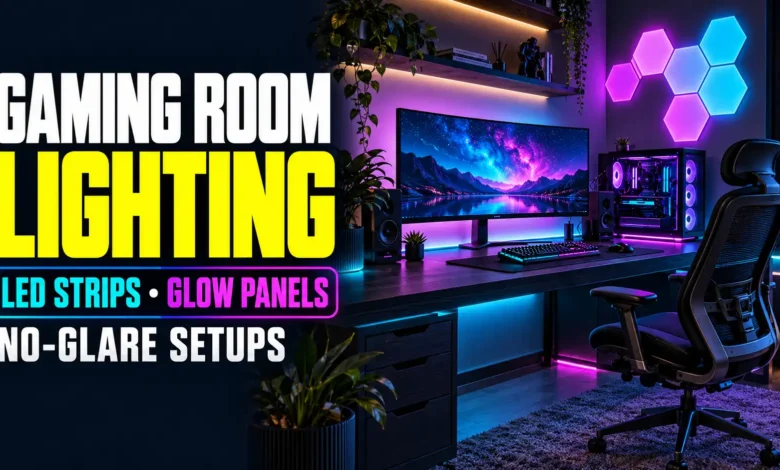
The visuals in this guide are AI-generated design concepts, not photographs of completed installations. Use them for placement and palette inspiration; follow your lighting kit’s actual instructions.
Choose the lighting that solves your first problem
- The screen feels isolated in a dark room: begin with a gentle white wall halo behind it.
- You want a cleaner RGB look: conceal a strip beneath the desk’s rear edge.
- The room needs a visual feature: give a small glow-panel cluster its own wall area.
- You see windows or lamps in the screen: fix their position or brightness before adding accent lights.
- You game from the couch: combine a subtle TV halo with a shaded side lamp.
You can combine these setups, but you do not need all five. One well-placed strip can do more for a small corner than a room full of bright fixtures.
1. Start with a soft halo behind the monitor
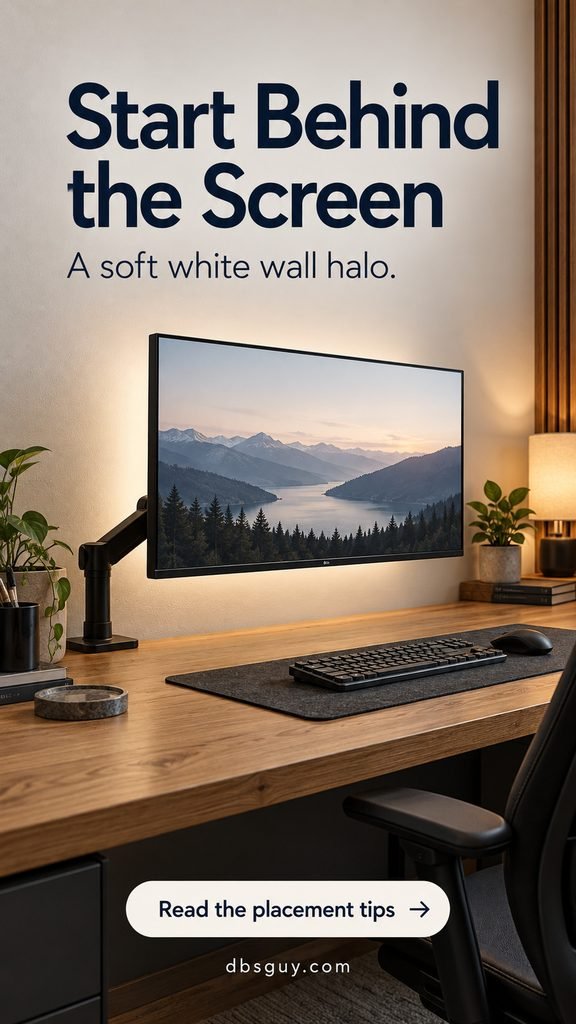
A concealed strip behind the monitor lights the wall rather than your face or the screen’s front surface. This is the simplest starting point for a desk that feels too dark once the ceiling light goes off.
Choose a dimmable strip with a dedicated white-light mode if neutral illumination matters to you. RGB color mixing and dedicated white LEDs are different features; check the specifications rather than assuming every multicolor strip produces the white you want.
Before peeling the adhesive, hold the light in position and test the wall wash. Keep it out of view around the screen’s edges, leave the monitor’s vents clear, and allow enough cable slack for an adjustable arm. Mounting distance and bend radius depend on the kit. For example, Nanoleaf’s 4D V2 installation guidance specifies its own edge clearance and warns against sharp bends; that is not a universal measurement for other strips.
Start low and increase the glow until the wall is gently visible. If the halo competes with the game or makes the wall the brightest thing in your view, dim it. A pale matte wall spreads the light more easily than a dark or glossy surface.
The oak desk and soft neutral light suit a room that also serves as a living area. Our Japandi living room ideas offer compatible wood tones and restrained decor for carrying that look beyond the desk.
2. Conceal LED strips beneath the desk’s rear edge
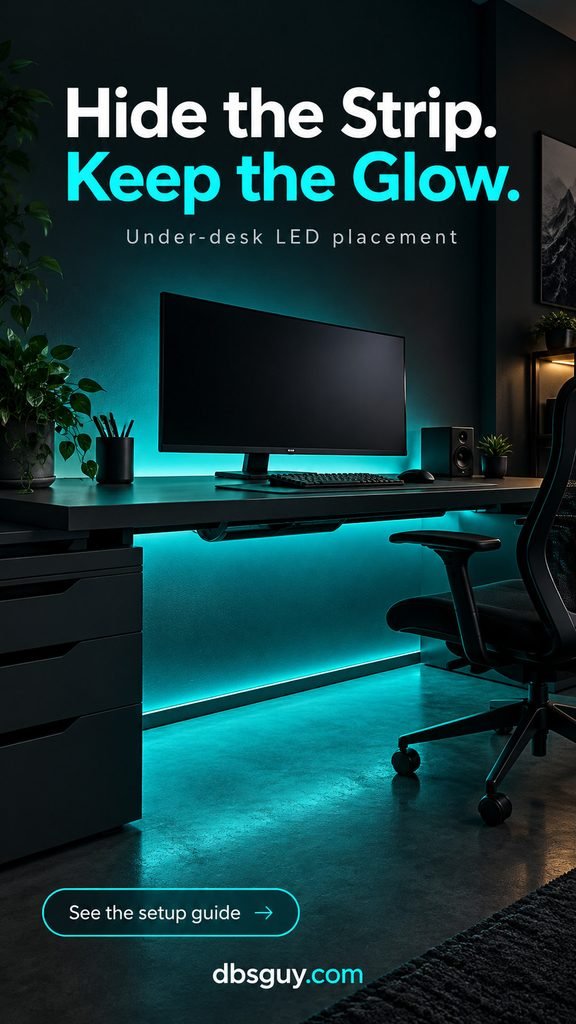
Under-desk lighting adds color without turning the desktop into a row of bright dots. Place the strip beneath the rear edge, where it can wash the wall and lower area while the desk hides the emitters. Test from your chair and the doorway; a strip that is hidden from one angle may be obvious from another.
The cyan concept above uses a matching wall wash for a dramatic decorative scene. Save a separate play preset with a gentler white screen surround if you prefer a more neutral view. You can keep the low cyan accent while reducing the color immediately around the display.
Measure the actual route, including corners and the distance to the controller. A 48-inch desk does not automatically need a 48-inch strip: a rear-edge-only run and a three-sided run require different lengths. Include a workable power-cable route before choosing the kit.
If the strip will remain visible, consider a compatible channel with a diffuser. It can soften the individual LED points, but its appearance still depends on LED spacing and diffuser depth. Keep channels and wires clear of moving desk parts and your knees.
Common mistake: cutting first and checking the manual later. Some strips have approved cut marks; others cannot be shortened. Follow the exact model’s cutting and extension rules, use its specified power supply, and unplug it before making allowed connection changes.
3. Give glow panels a side-wall feature
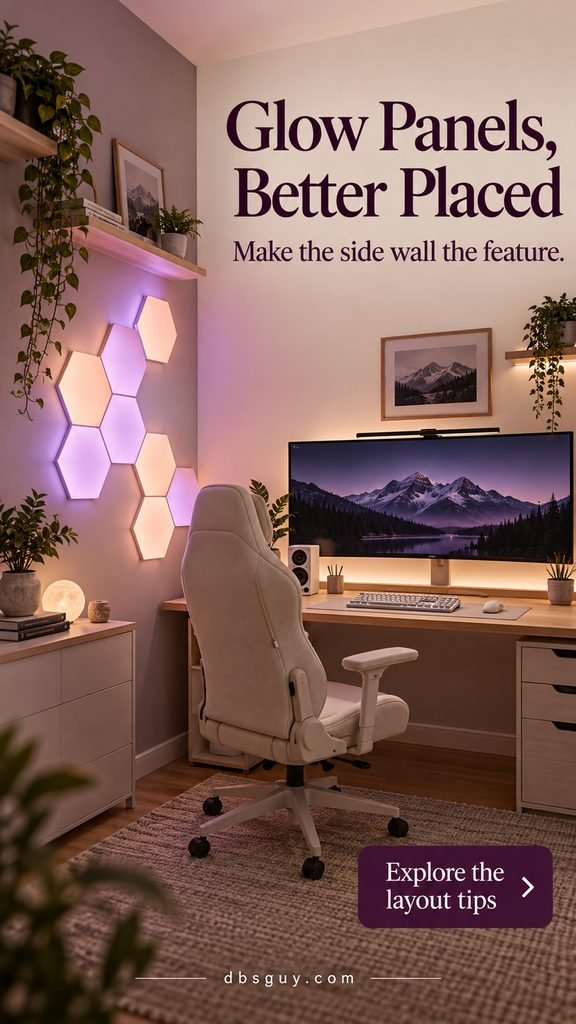
Glow panels work best as an intentional shape, not a bright border around everything. A compact lavender-and-peach cluster on the side wall gives this cream desk a focal point while leaving the monitor wall visually calmer.
Plan the arrangement with the manufacturer’s layout tool or paper templates. Check panel dimensions, connector positions, controller placement, and power-cable reach. Begin with a small connected shape that fits the wall instead of buying enough panels to fill it.
A side wall is a useful starting location, but it does not guarantee reflection-free gaming. Test the proposed location from your normal seated position, especially with a glossy display. If you see the panel shapes in dark scenes, relocate the cluster or lower its brightness.
Choose a still color scene first. Slow changes can be an optional mood setting; flashing and music effects are not required for a polished room. Keep the panels dim enough that you can enjoy the game without continually noticing the wall.
Use the supplied mounting system only on surfaces the maker approves. Adhesive suitability, removal technique, and ceiling-mounting rules vary. A rental-friendly label does not guarantee damage-free removal, so check your lease and surface instructions before committing.
4. Pair shielded task light with window control
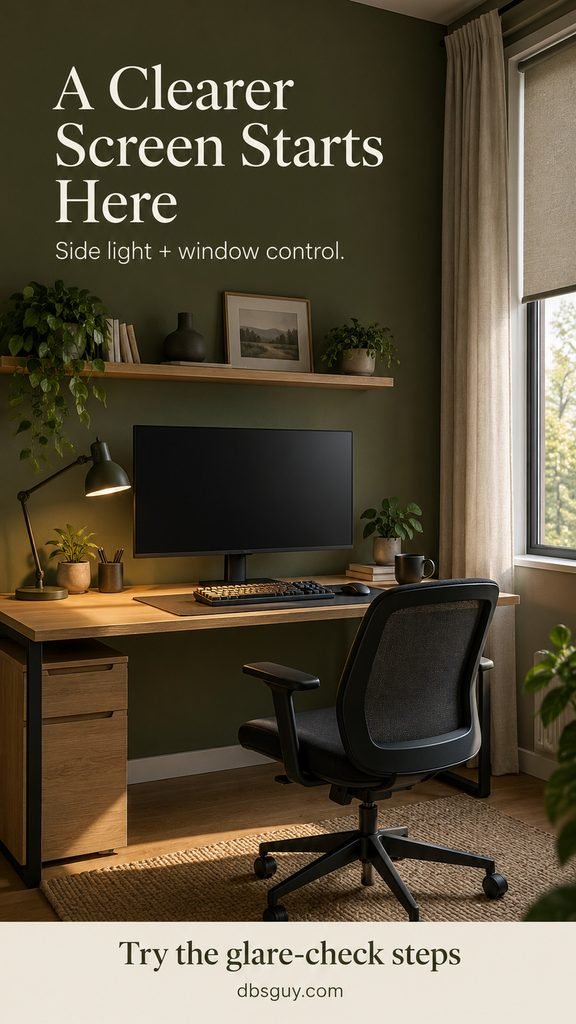
If a window or bare bulb is reflected in your monitor, adding RGB lighting will not remove that reflection. First arrange the desk so daylight comes from the side, then use a shade to control direct sun.
OSHA’s workstation lighting guidance recommends placing windows at right angles to the screen, using blinds or drapes to manage daylight, and positioning task lighting so it does not reflect on the display. Those principles are useful when a gaming desk doubles as a workspace.
In the olive setup, a shaded lamp points down toward the keyboard. Adjust the arm so the bright lamp opening is shielded from your eyes and its beam misses the display. A monitor light bar is another option, but check fit and beam placement: a badly aimed bar can still create glare.
Try the desk in daylight and after dark. As the USA moves into fall and winter, earlier evenings change which lamps you use, but daytime window glare still needs its own solution. A roller shade plus curtains gives you more control than sheer curtains alone.
If this corner shares a bedroom, our sage green bedroom ideas can help you coordinate the wall color and oak furniture with the rest of the room.
5. Build a console lounge with a TV halo and warm side lamp
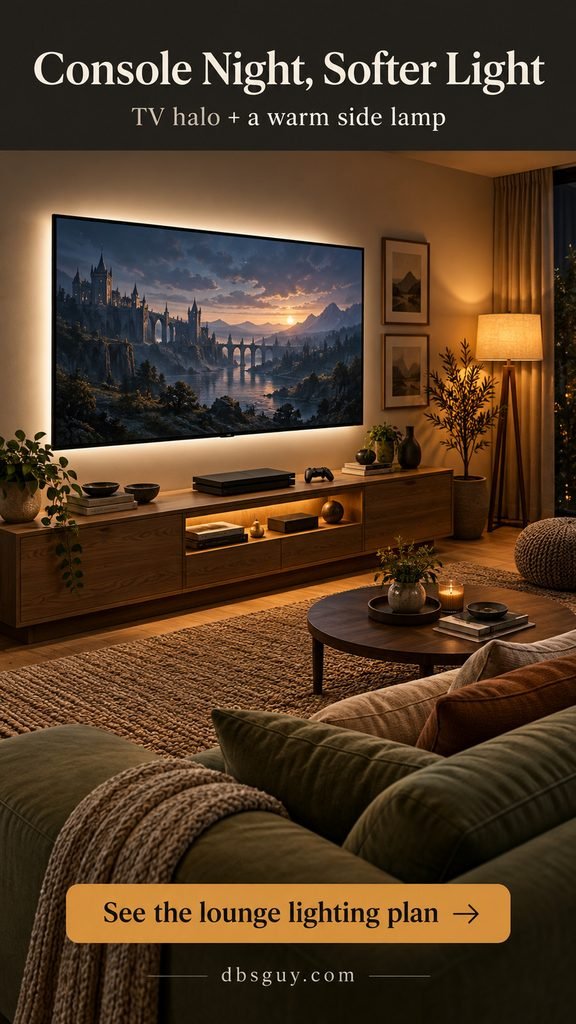
For couch gaming, think about the whole viewing area. A subtle halo behind the TV separates the screen from the wall, while a shaded floor lamp supplies practical light for finding a controller or moving around the room.
Position the lamp off to one side and check it from every seat you use. A lamp that looks fine from the center cushion may reflect in the TV from the end of the sofa. Aim for a softly lit room rather than a bright screen floating in complete darkness.
The concept combines an oak cabinet, a warm side lamp, and low shelf lighting. Keep the shelf accent optional and leave console ventilation unobstructed. Do not hide power adapters under blankets or behind tightly packed equipment.
If you want lighting that follows the game, check the specific system before buying. Camera-based, software-based, and HDMI-based setups use different connections. For an HDMI device, verify supported resolution, refresh rate, HDR, and variable refresh rate against your console and TV. A static scene is a simpler option if you mostly want a steady glow.
A comfortable side chair can also make the lounge useful between sessions. Our small-space reading nook ideas offer seating and shaded-lamp inspiration for that quieter corner.
Run this glare check before you mount anything
- Sit where you actually play. Set the monitor or TV to your usual position and viewing angle.
- Open a dark scene. Also check the screen briefly when it is off, when reflections are easier to spot.
- Switch on one light at a time. Look for reflected shapes, a washed-out patch, and visible bright emitters.
- Move or shield the source. Change its angle, use the window shade, or relocate it before simply raising screen brightness.
- Check real gameplay. Look at both bright menus and dark levels, then repeat in daylight.
- Save a simple play scene. Keep decorative effects separate so you can switch back without adjusting every light.
There is no universal brightness percentage: different fixtures, apps, wall colors, and screens make the same number look different. Judge the result from your seat, not from a phone photo that automatically brightens the room.
What to check before buying or installing
- Controls: make sure you can dim the lights easily. Check whether your desired scenes or syncing features require an app, hub, account, or computer.
- White light: confirm dedicated white or tunable-white capability if you want it, alongside the decorative colors.
- Fit: verify strip length, approved extensions, panel dimensions, and monitor-arm movement.
- Mounting: follow surface preparation and removal instructions. Do not assume the same adhesive works on textured paint, wallpaper, and furniture.
- Power: use approved components and keep adapters accessible and ventilated. Route cords out of walkways; do not run ordinary cords beneath rugs.
For a budget-conscious start, use an existing shaded lamp, address window glare, and buy one dimmable strip. Add panels later if the room still needs a decorative feature. That is an editorial priority order, not a claim that every reader needs the same equipment.
Gaming room lighting FAQs
Are LED strips or glow panels better for a small room?
Choose strips when you want unobtrusive light behind a screen or desk. Choose panels when you want a visible wall feature. In a tight corner, start with the functional light; a small panel cluster can follow if there is a suitable reflection-free spot.
Should the lights behind my screen be white or RGB?
White is a practical baseline for a neutral screen surround. RGB is a decorative choice. Try a steady white play preset and a separate colorful mood preset instead of assuming one saturated color is best for every game.
Can I mount a strip directly on my monitor?
Only if the strip’s instructions and the monitor’s surface and ventilation allow it. Keep vents clear, avoid sharp bends, and account for cable movement. If mounting is unsuitable, a wall-facing light placed behind the desk can create a similar background glow.
Will this setup eliminate all glare?
No lighting arrangement can promise that for every room. Glossy screens, windows, ceiling fixtures, and seating angles all matter. Use the glare check above and adjust the source that causes each reflection.
How do I make the room look good without rainbow lighting?
Use a soft white halo, warm shaded lamp, and one consistent material palette such as oak and sage or charcoal and cream. The room can feel distinctly suited to gaming without every fixture changing color.
Start with the screen’s surroundings, then add personality. A concealed strip, carefully placed panels, and a lamp that lights the desk rather than the display give you a clear plan to build on.