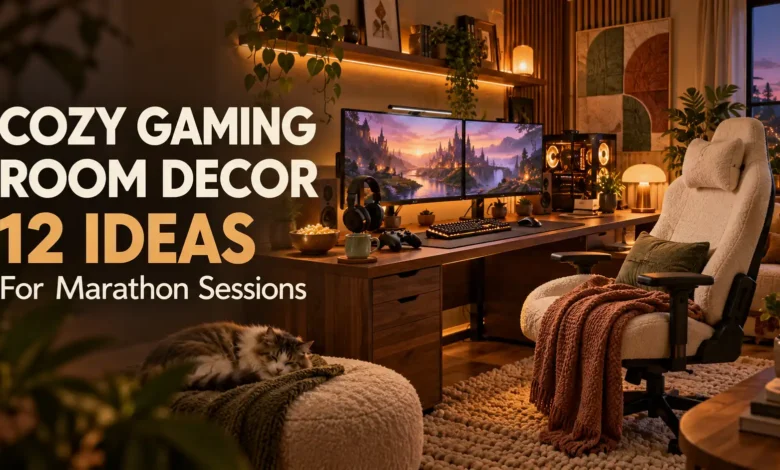
Start with a shaded lamp, a chair that fits you, and a clear patch of desk. Those three changes make a better foundation for cozy gaming room decor than a wall full of lights. Then add the color, texture, and personal details that make you want to settle in.
These 12 ideas work for PC desks, console lounges, and bedroom corners. Each includes a styling direction and a practical detail to help you recreate it. Pick the upgrades that solve your room’s biggest annoyance first—glare, clutter, chilly floors, or nowhere to put your controller.
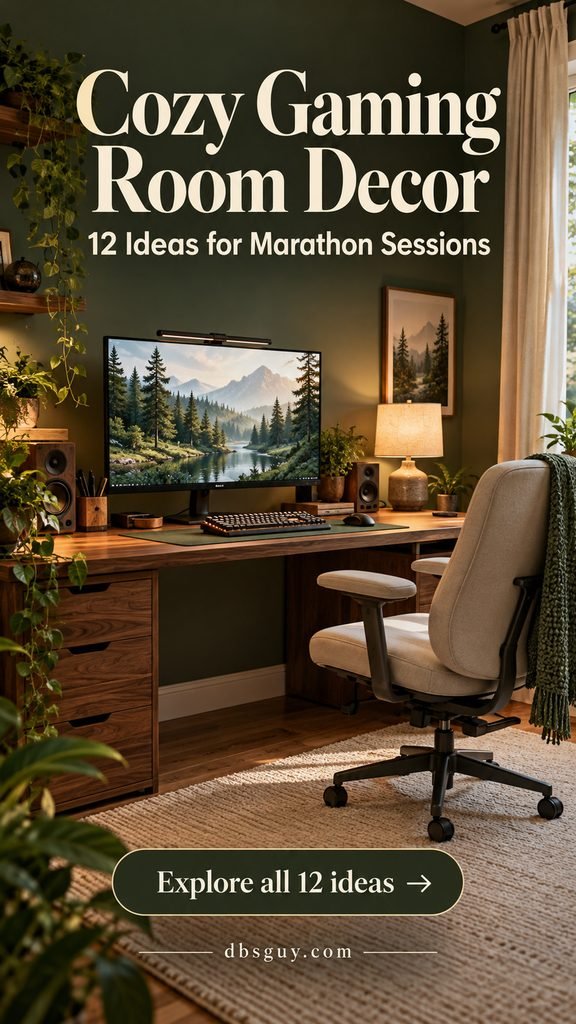
The visuals below are AI-generated design concepts, not photographs of completed rooms. Use them for inspiration, and measure your own space before buying furniture.
1. Layer Warm Light Instead of Relying on the Screen
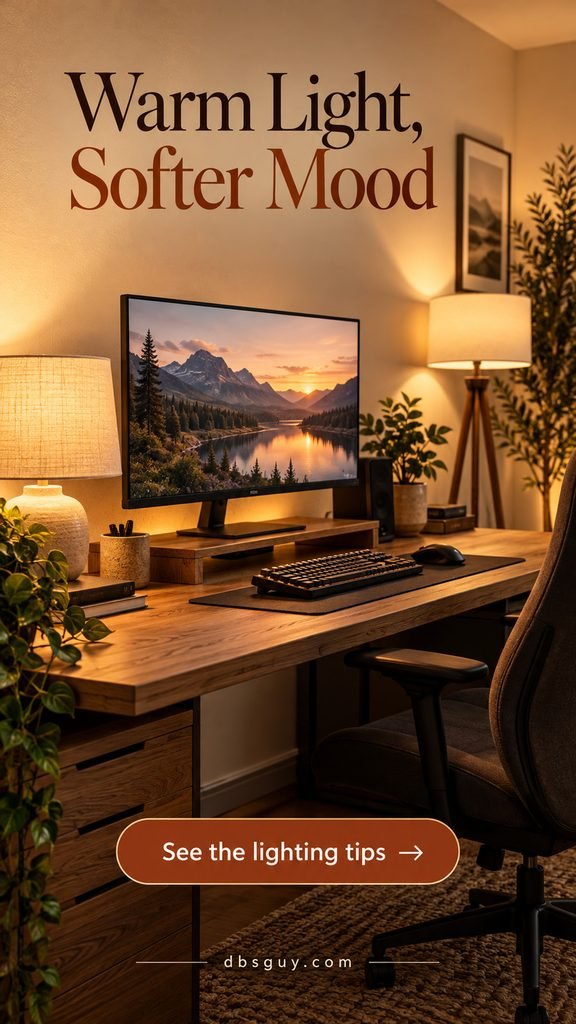
A cream-shaded desk lamp and a soft glow behind the monitor make this oak setup feel inviting without covering the room in RGB. Start with one dimmable lamp beside the desk; add a floor lamp only if the rest of the room still feels too dark. Warm white around 2700K is a useful aesthetic starting point, not a requirement for every gamer.
Keep exposed bulbs out of your direct sightline and aim task lighting at the desk rather than the display. Check the screen from your seated position before fixing any light strip in place. OSHA’s workstation lighting guidance recommends controlling glare and using task lighting where needed. A pleasing warm glow still needs enough light to read labels and find gear.
If you already own a lamp, try a compatible dimmable bulb before buying decorative lighting. Follow the lamp’s bulb rating and the light strip’s installation instructions.
2. Choose a Calm Palette You Can Repeat

Sage, cream, and oak give this gaming corner a clear direction. Repeat the green in a desk mat, the cream in the chair or curtains, and the wood in a shelf or frame. The repetition makes everyday equipment look like part of the room.
You do not need to repaint to get this effect. On a white desk, use a sage mat and a wood accessory; in a darker room, keep the larger textiles light. Limit yourself to a few repeated finishes before adding another accent color.
For a gaming desk in a bedroom, our sage green bedroom ideas can help the sleep and gaming areas share a consistent palette. Choose colors because you enjoy them; no palette can guarantee concentration or relaxation.
3. Make Supportive Seating Look Inviting
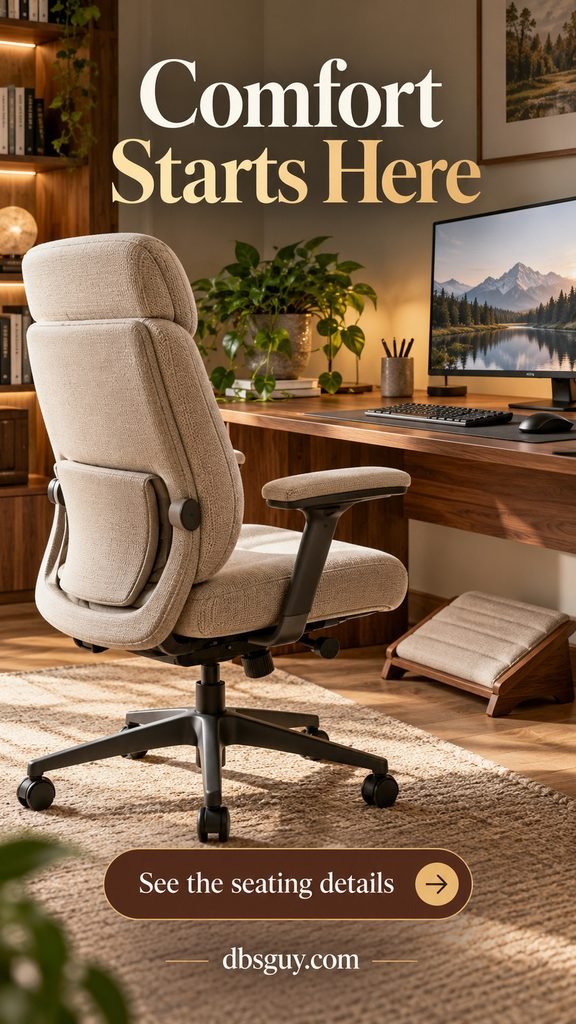
An oatmeal upholstered office chair can feel at home beside a walnut desk while keeping useful adjustments. For longer PC sessions, prioritize seat height, back support, and armrests that let you get close to the keyboard. Upholstery color comes after fit.
Sit in the chair with your feet supported and your shoulders relaxed. A small footrest helps when the desk height requires a higher seat. OSHA’s chair guide explains how seat fit, lumbar support, and adjustability work together; try chairs in person when possible.
Avoid stacking thick decorative cushions until you can no longer use the backrest properly. Keep a throw nearby for breaks rather than draping loose fabric around the chair’s wheels. For a shared desk, easy adjustments matter more than a sculptural silhouette.
4. Warm Up the Floor with a Low-Pile Rug
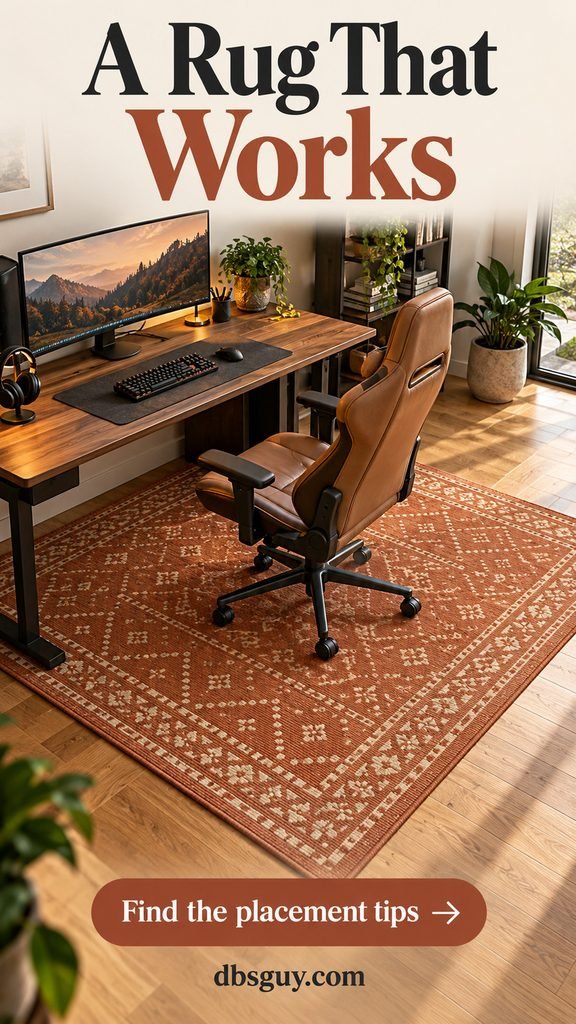
A muted terracotta rug adds pattern beneath a simple desk without crowding the desktop. A flatweave or low-pile option is a practical starting point for a rolling chair; test your specific rug and casters because even a thin rug can make movement harder.
Measure the chair’s pull-back area, not just the desk footprint. The rug should cover the area where the wheels travel so they are not constantly catching its edge. Tape out the size on the floor before ordering, and keep the doorway and walking route clear.
If the chair will not roll comfortably, use a suitable chair mat or keep the rug beside the desk in a lounge area instead. A rug pad should suit both the rug and your flooring. For a quieter visual direction, borrow the restrained textures in our Japandi living room ideas.
5. Use Curtains to Control Screen Glare
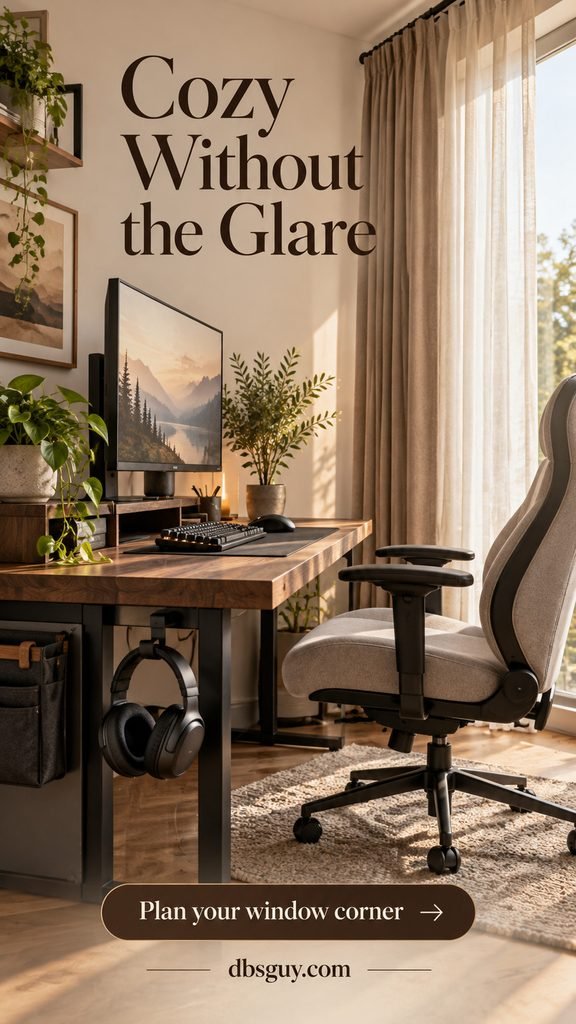
Layer cream sheers with opaque taupe curtains for a corner that works in daylight and after sunset. The sheers soften the room’s appearance; the opaque layer gives you more control when sunlight reflects on the display. Sheers alone may not solve glare.
Place a PC monitor perpendicular to the window where the layout allows, rather than directly facing it or having it behind you. OSHA’s monitor placement guidance supports this arrangement. Check reflections at the time of day you usually play, with the screen showing a dark scene.
For a rental, a properly fitted tension rod and lightweight curtain can be an option if your window and lease allow it. Avoid fabric near heaters, and keep window access clear. A warm curtain color gives a fall or winter feel without turning the entire setup into seasonal decor.
6. Create One Personal Art Wall

Three fantasy landscapes above a walnut desk make this navy wall feel personal without filling every inch. Choose original or appropriately licensed artwork that reminds you of the worlds you enjoy, and repeat one frame finish to hold the display together.
Lay the arrangement out on the floor first, then use paper templates on the wall. Keep the artwork visually connected to the desk and leave space between frames. You should be able to adjust the monitor without hitting a frame or obscuring the entire display.
A renter can lean a lightweight print on an existing shelf, provided it is secure and away from equipment. Wall adhesives have surface and weight limits, so follow the mounting instructions. Keep the brightest or busiest artwork outside your immediate screen view if you find it distracting.
7. Put Everyday Gear on a Pegboard
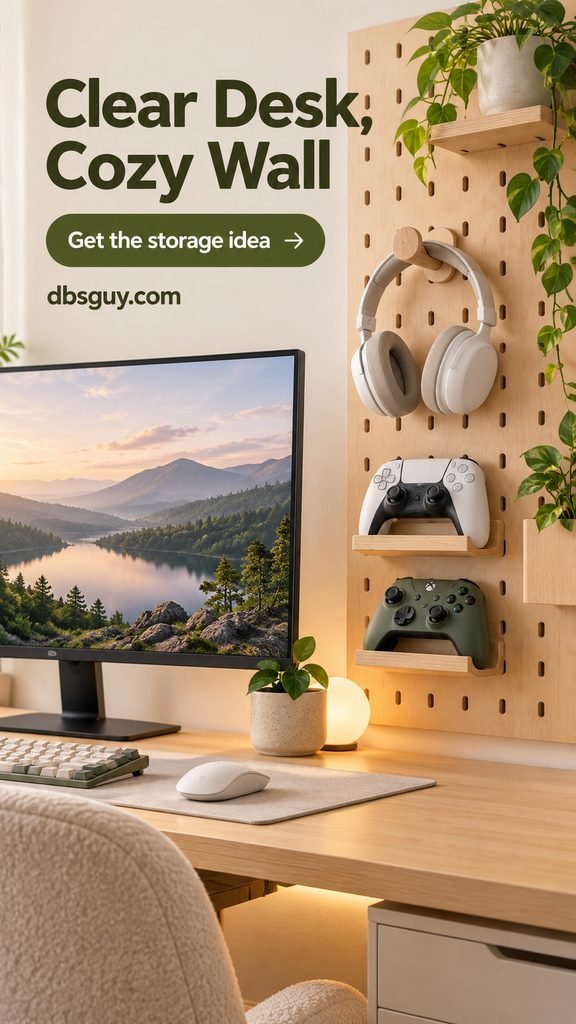
A pale wood pegboard turns headphones and controllers into an organized part of the decor. Position it beside the monitor so you can put gear away without reaching across the display. Keep the desktop open for mouse movement.
Use hooks made for the headset and shallow shelves or holders that securely support controllers. Check the board’s mounting method and total load rating, including the accessories. Renters should choose a freestanding version or an approved mounting method rather than assuming adhesive will hold a loaded board.
Give charging cords a simple route along the side, leaving enough slack to connect without pulling. Keep only daily-use gear here; spare cables belong in a drawer. One useful storage wall looks calmer than a board packed with decorations and rarely used accessories.
8. Hide Cable Clutter, Keep Airflow Open
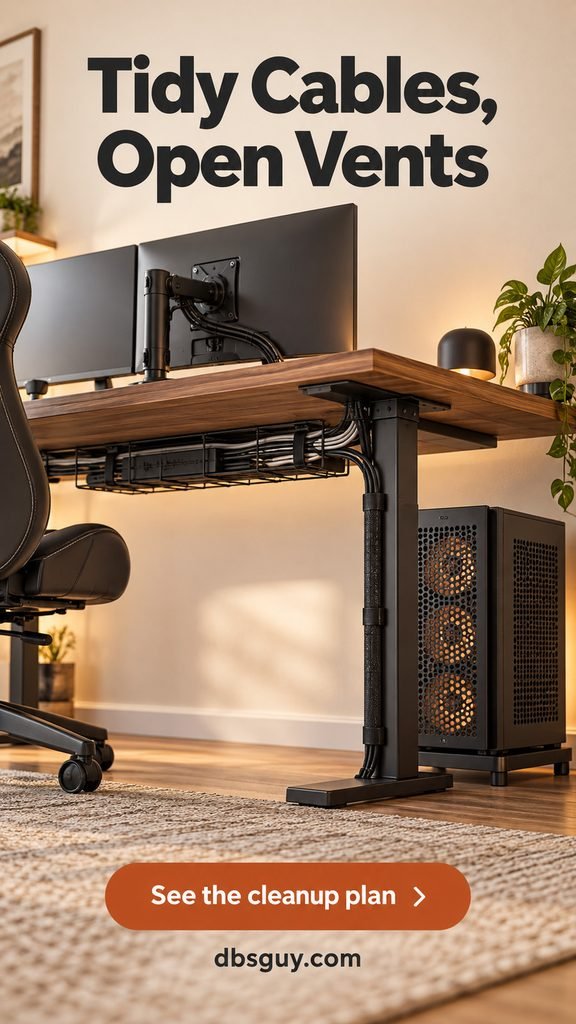
An under-desk tray and a single sleeve down the rear leg can make an existing desk look much more finished. Secure cables with reusable straps so you can replace a device without cutting everything apart. Leave slack at connectors and for any moving desk parts.
Put the PC on a stable stand with its vents unobstructed rather than hiding it behind a blanket or inside a basket. Ventilation clearances differ by device: follow the manufacturer’s manual for your actual PC, console, and power equipment. The concept image shows an open arrangement, not a measured clearance specification.
Keep plugs accessible, inspect damaged cords, and do not daisy-chain power strips. Choose cable storage for the equipment it will hold. On a tight budget, removing unused cables and fastening the remaining ones to the back of the desk may be enough.
9. Bring in a Little Greenery
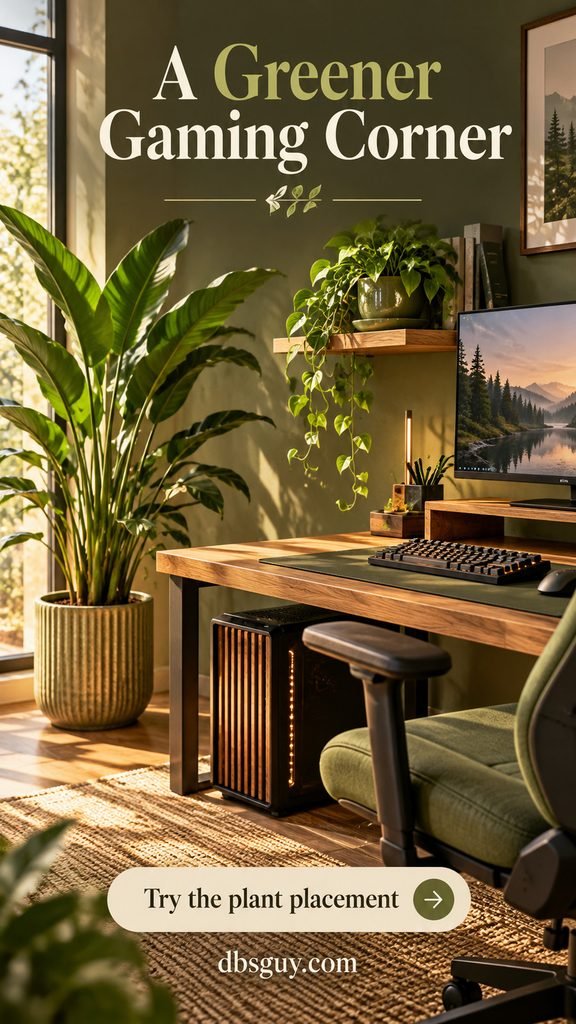
One small plant on a separate shelf and one taller plant on the floor add shape to an otherwise angular setup. The oak and olive palette makes the greenery feel integrated rather than like an extra accessory squeezed beside the keyboard.
Choose plants for the room’s actual daylight, not the glow from decorative LEDs. Use a saucer or watertight outer pot, move plants away from electronics for watering, and keep leaves out of vents. A good faux plant is a practical option for a room with little suitable light.
Leave the main mouse area clear. In a small room, one leafy silhouette may do more for the design than several tiny pots. If pets can reach the plants, verify the exact species’ suitability before bringing it home.
10. Make a Console Corner Feel Like a Den
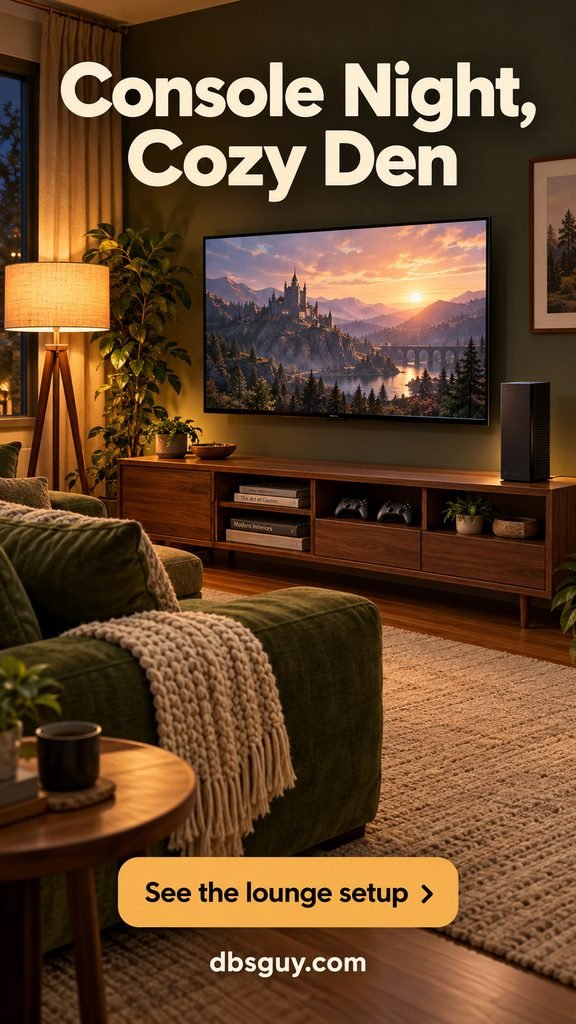
A moss-colored sofa, cotton throw, and warm floor lamp make a console setup feel like a living space. Face the seating toward the TV and use a low media cabinet with storage for the gear you need nearby. In this concept, the console sits on top with open air around it; check the ventilation space specified for your actual device before settling on its position.
Test the viewing position before mounting the television. You should not have to keep your head sharply tilted up or twisted to one side to follow the action. Choose the distance using your TV size, game text readability, and room layout rather than a one-size-fits-all measurement.
Keep the throw on the sofa, not on the console, and leave a route around the furniture. This approach also works in a multipurpose family room: closed storage can put controllers and games away after the session without erasing the room’s personality.
11. Add a Small Drink-and-Snack Station
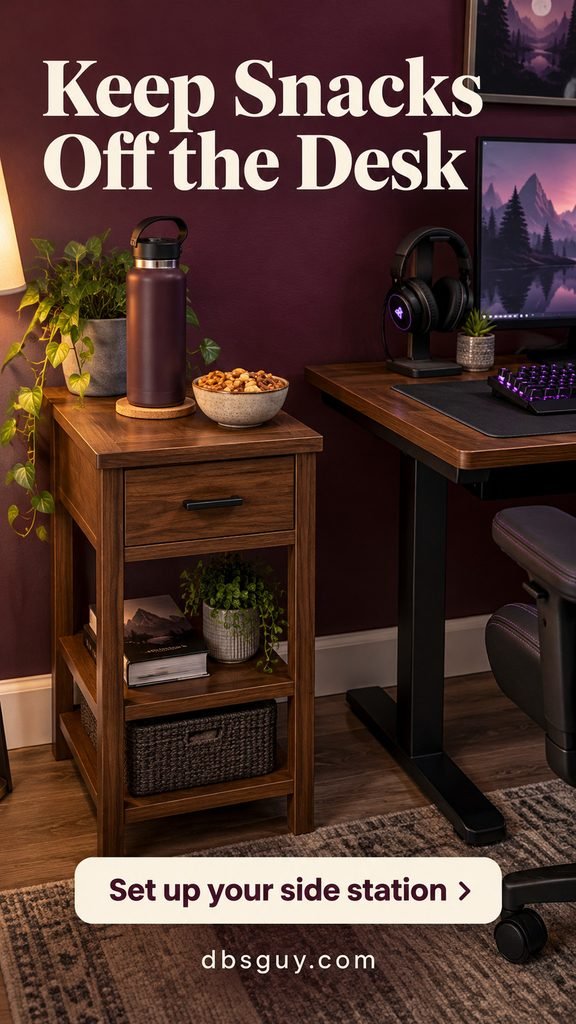
A slim walnut side table gives a lidded water bottle and snack bowl their own landing spot. That small separation keeps the keyboard area usable and makes tidying easier after a session. A drawer can hold coasters and spare charging cords.
Place the table beside your seat where you can reach it without leaning across equipment. Keep it outside the chair’s rolling path, away from outlets and power strips, and stable enough that a casual bump will not send it tipping.
If the room is tiny, clear a corner of an existing side cabinet instead of adding furniture. Keep snacks in closed containers between sessions and remove dishes afterward. The goal is a convenient landing spot, not a second cluttered surface.
12. Give Yourself a Place to Pause
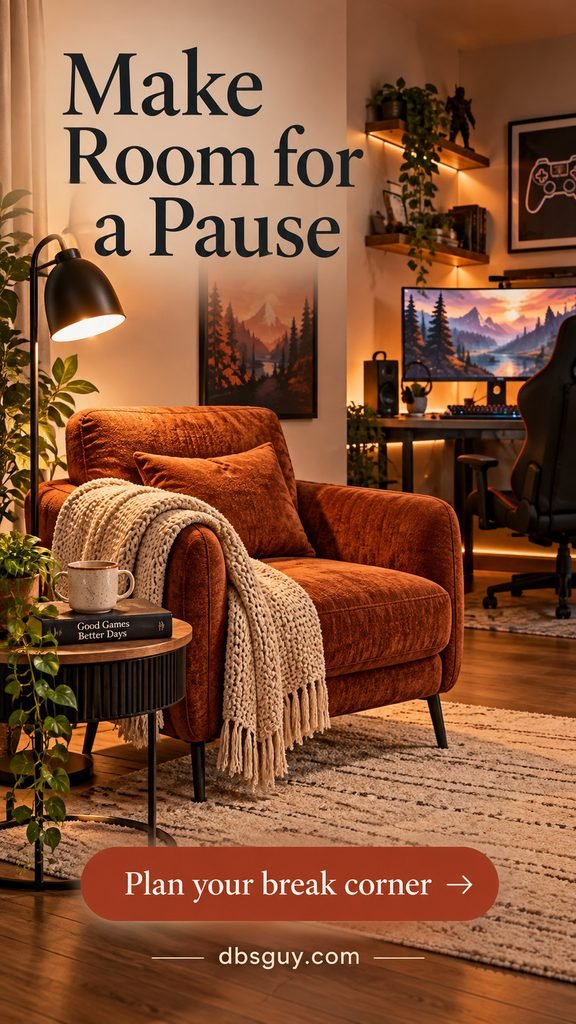
A rust-colored armchair on the other side of the room creates a small reset spot between matches. A draped throw, book, and lamp are enough; it does not need to become a second fully equipped gaming station.
If there is no room for another chair, keep the route to the door open and use seating elsewhere in your home. Build pauses into your plans instead of treating comfortable decor as a reason to stay in one position all evening. OSHA’s work-process guidance recommends breaks and changes of activity during prolonged computer use.
Our cozy reading nook ideas for small spaces offer useful ways to fit a compact pause corner into a shared room. Keep the chair, table, and lamp out of the walking route.
Where to Start with Your Room
If your budget is limited, rearrange first: clear the desktop, control window glare, adjust the chair, and move a lamp into the room. Then buy for the problem that remains. A rug will not fix a badly fitted chair, and a new light strip will not create more mouse space.
For a small bedroom setup, prioritize ideas 1, 3, 5, 7, and 8. For a console room, start with 1, 4, 10, and 11. Add your palette and personal art once the layout works. These are combinations of the ideas above, so you can build a coherent room without buying all 12 upgrades.
Cozy Gaming Room FAQs
How can I make a gaming room cozy on a budget?
Use a lamp, curtain, or side table you already own. Clear unused gear, bundle cables, and repeat a color through one desk mat or textile. Spend on fit and function before adding decorative gadgets; secondhand furniture is useful when you can check its condition and dimensions.
Do I need RGB lights for a cozy gaming setup?
No. A shaded lamp and gentle background lighting can create the mood. If you enjoy RGB, try one subdued color and adjust brightness until it feels comfortable. Decorative color is a personal choice, not a substitute for enough usable room light.
Can I make a gaming corner cozy without a separate room?
Yes. Use a consistent palette, wall storage for daily gear, and a place to put accessories away. Check that the chair can pull back without blocking the bed, closet, or doorway. In a shared bedroom, direct light away from the other person’s sleeping area.
How high should a PC monitor be?
OSHA recommends the top of the screen at or slightly below eye level, with the display directly in front of you and generally 20–40 inches from your eyes. Adjust for readable text and your own viewing needs; a decorative riser is only helpful if it puts the monitor at the right height. Bifocal users may need a lower position. See the full monitor placement guide for the details.
What should I avoid when decorating for longer sessions?
Avoid glare, gear that crowds your mouse, rugs that trap chair wheels, and decor that covers equipment vents. Keep space to move and take breaks. An inviting room should make your routine easier, including the moments when you step away.